OMG HELP ME!
My hope is that I can explain what your getting and what you can expect from it. I will layout in detail the parts you need to make this function in your military vehicle be it a HMMWV, LMTV etc.
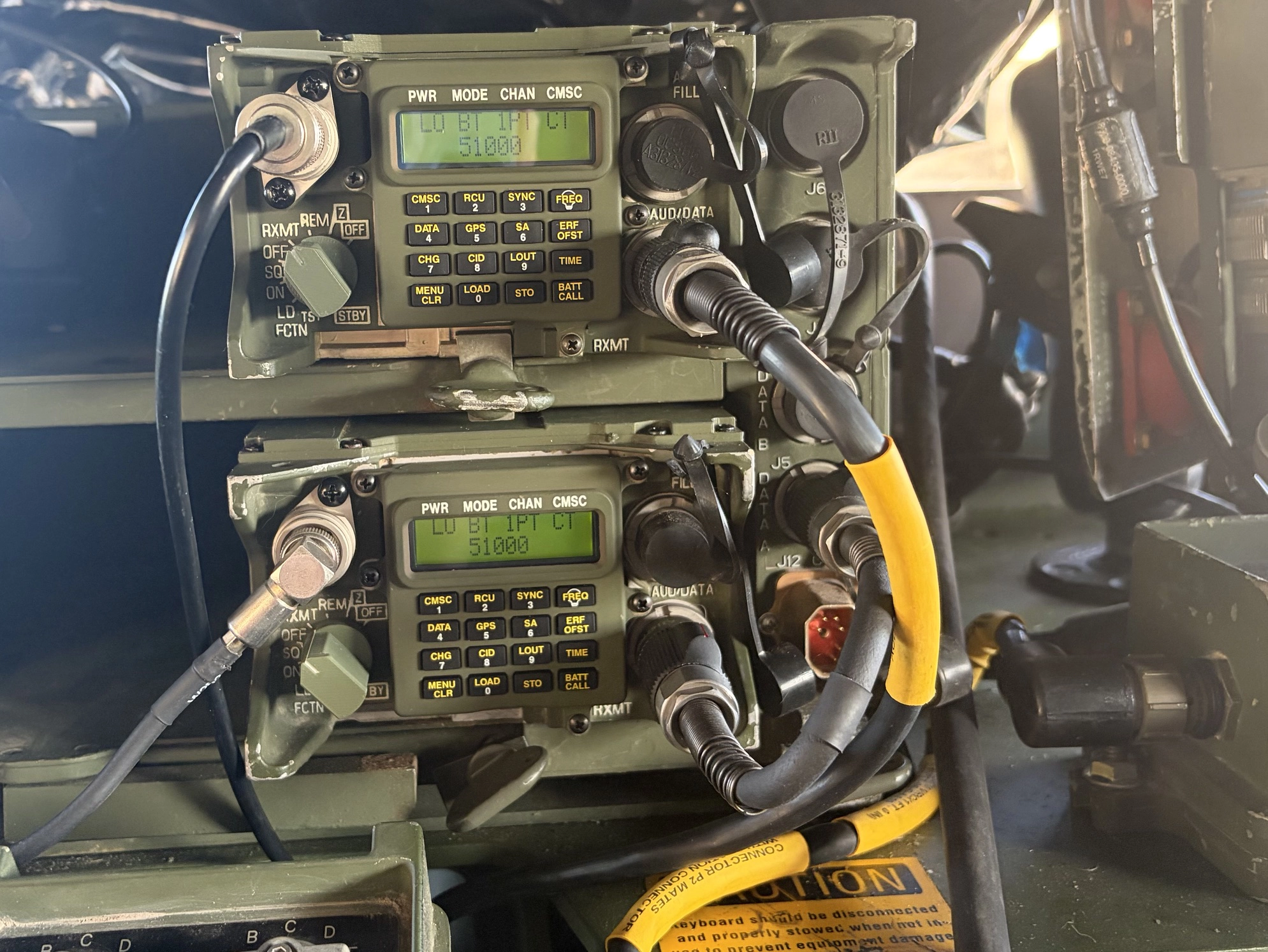
Double Stacked RT 1523e Radios in a AM-7239(E) which is mounted in a MT-6352/VRC Power tray.
First is our Base Product
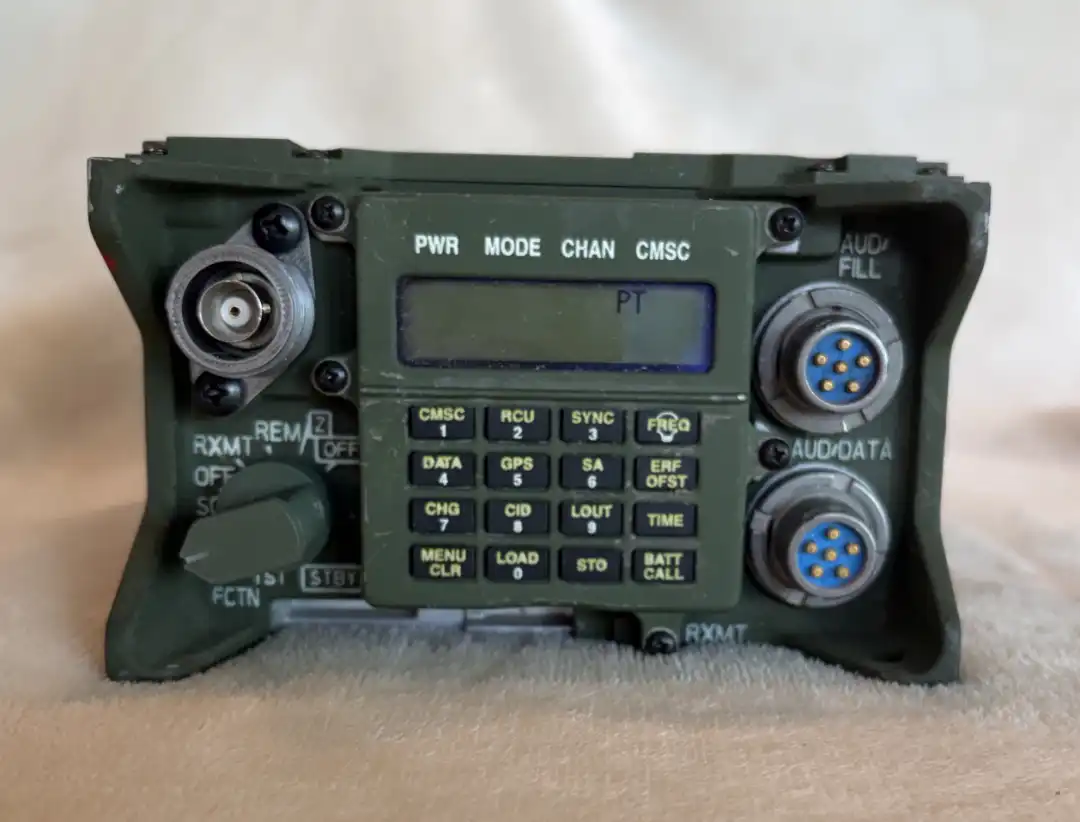
We start with a Demilled ASIP Sincgars RT 1523 (E)(F)(G) Radio Body. We install two U283 6pin connectors on the front. We also install a 3d printed dummy switch that has no functionality. Also installed is a 3d printed battery door and a 3d printed Lid.
Next You will be presented with multiple screen types and housing options. The main difference in these options are looks and functionality. Essentially the LCD options provide a readout to add to realism as if the radio is a true functional unit.
The second option is the rear plate that attaches to the radio for all intents and purposes they all function the same there are two options of real rear plates and a 3d printed option. We have now included an option for a Kenwood 2 pin pass thru that will add the ability to connect any handheld that uses the Kenwood 2 pin to pass thru to a U283 Connector that will be wired to interface with the VIC-3 system. This can be installed in conjunction with the Bluetooth Module or in a separate radio if you are going to do a two-radio setup.
You will be presented a separate selection to choose to add Bluetooth Radio functionality to the system. This board is specifically designed to work with the VIC3 intercom systems. You also are provided the opportunity to add the rubber covers on the u283 connectors which will be installed at the time of sale.
To sum up the base product based on your choices you will have a radio that either has a dummy screen, demiled non-working screen or a working LCD screen. It will either have Bluetooth that works with VIC3 systems, or it is a for looks radio.
How to make the Base Product work
I first started making 3d Printed Radios that used batteries to work... What a pain they were always dead when I needed them. With experience I started experimenting and looking for ways to make the onboard equipment work for me.
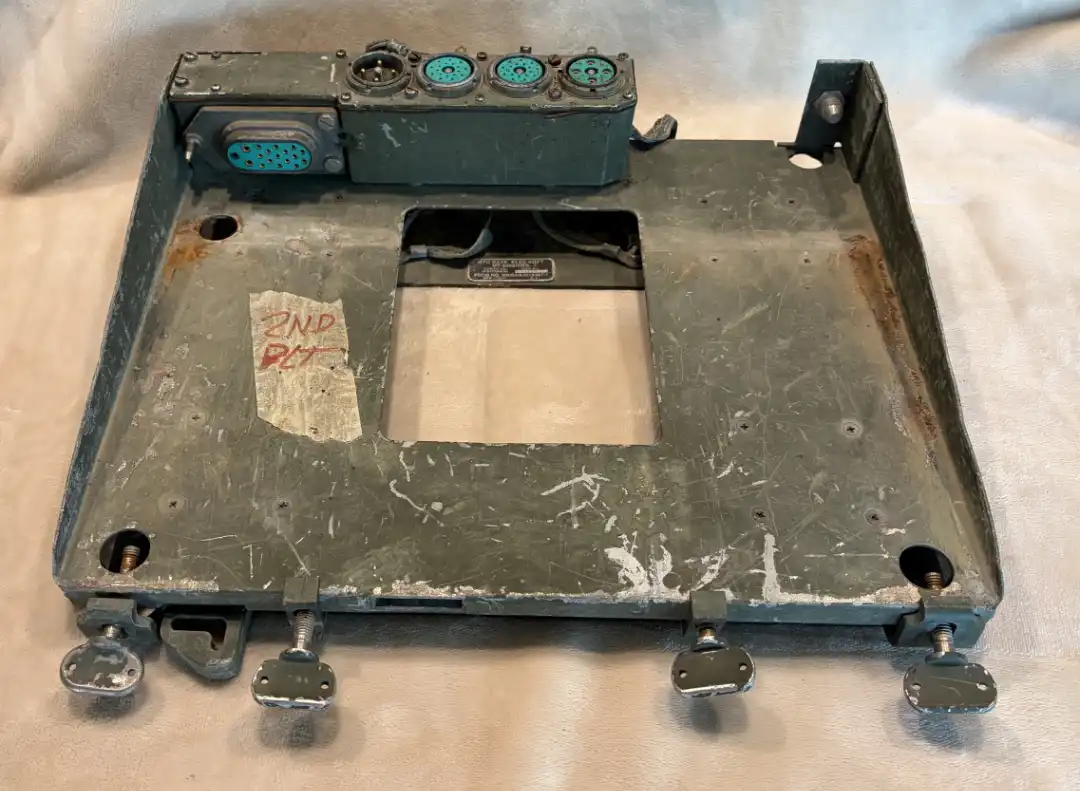
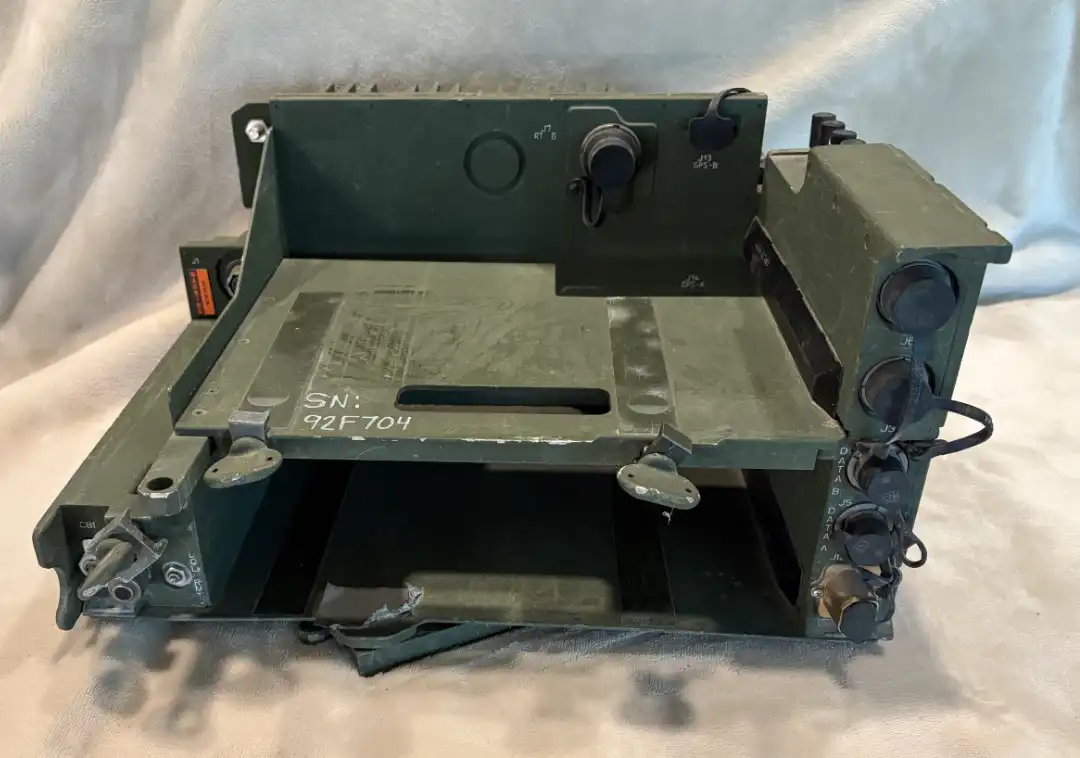
It all starts with the power base tray MT-6352/VRC This is the base tray the military used for the radio equipment. This tray powers 2 LS-671 Speakers and it is used to power alternate equipment such as the Vic3 system and the Blue force tracker systems More importantly it is the power tray for the next important piece of the system the AM-7239/VRC Amplifier tray. To use the tray you have to have one of the following cables CX-13302/VRC (20-foot variant) or CX-13303/VRC (5-foot variant) installed in your HMMWV. There are resources online to learn how to do that.
The AM-7239(e)/VRC amplifier tray is the double stack radio tray which we use to power our RT1523E Prop Bluetooth and LCD radios. It is also the conduit used to communicate with LS-671 Speaker that can be connected to your radio to play music or play audio. You must have a mounted and powered MT-6352/VRC tray to mount your AM-7239 Tray.
MT-6352/VRC
AM-7239 (e)/VRC
Instructions to connect to VIC3 Systems
Your radio will have two (2) u283 connectors on the front. The top one marked AUD/FILL is a dummy and is not connected to anything internally. The connector marked AUD/DATA is connected to a Bluetooth board and is connected to a ground/Speaker/Mic input on the Bluetooth board. The VIC3 system does the push to talk functionality. If you want to hook the front terminal to a Harris speaker and not use PTT functionality it will pass sound to your speaker.
In order to connect to the VIC3 you will need a A3206683 which you can obtain on eBay. This will be connected to the AUD/DATA cable (Bottom of the Radio) it can then be plugged into Radio A or Radio B port on your VIC MCS controller. This will now allow traffic from your radio onto the vic-3 system.
If you want to add a speaker to your setup you can get an LS-671/VRC speaker. You will need a CX-13292/VRC interconnect Cable, and you should connect this on the rear port of the MT-6352 tray. AM-7239 J7 (RT-B System Connector) matches directly to MT-6352 J4 (Mounting Adapter Port).AM-7239 J8 (RT-A System Connector) matches directly to MT-6352 J3 (Mounting Adapter Port).
Other Considerations
One thing not mentioned is the type of tray you mount your MT-6352/VRC Since there are different models of HMMWV's you will need to research your model of truck to determine the type of tray and adaptations for said trays, You have single radio trays that have VIC 3 Mounting Plates you have two tier trays and you have several versions of Blue Force Tracker mounting trays. You will need to be aware if you have a turbo or non turbo truck to make sure you get the correct tray.
I also sell a Harris disconnect switch which when used properly will all you to kill battery power to the equipment saving your batteries if you forget to power off.
What to expect
If you purchase the Bluetooth radio with the LCD screen you should expect that the radio will appear to be a real working radio because of the visuals from the LCD screen. You should be able to connect your phone and play audio across the LS-671/VRC speaker and or the VIC-3 headsets. You should also expect to be able to have a phone conversation using PTT via your VIC-3 system.
RT-1523(e) Front Panel View